
Notification Event Widget
How to Configure Overrides
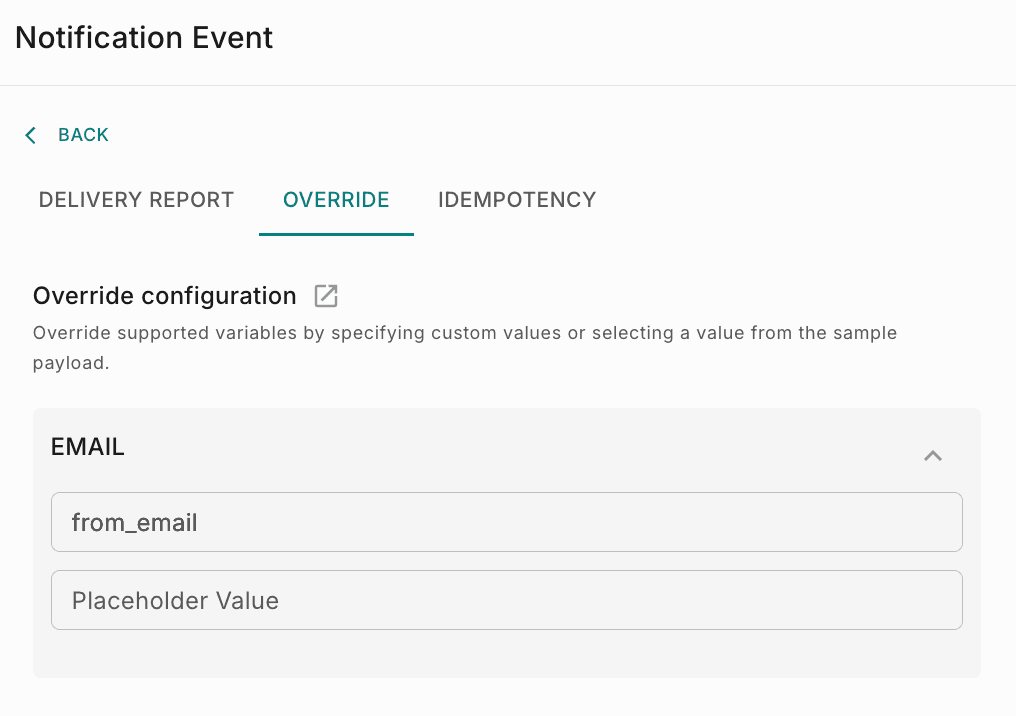
Override integration-level configuration values within workflows to dynamically customize notification settings such as sender information using workflow payload data.
Fyno allows you to override pre-configured values within an Integration, enabling you to use different values for specific notifications in a Workflow. This flexibility is useful when you need to customize the sender information or other details based on the requirements of each notification.
For example, if you have set up tech@fyno.io as the "from_email" address in your SES integration but want to use a different email address passed in the payload for a specific notification, Fyno enables you to achieve this by configuring overrides. This feature allows you to tailor your notifications according to your needs while maintaining the overall integration configuration.